

Available on: All plans | Role: Anyone | Status: Generally Available
Sign Up Options
Mnemetic offers multiple ways to create your account:Sign Up with Email & Password
1
Open the Sign-Up Page
Navigate to the authentication page and click “Sign up” at the bottom of the form.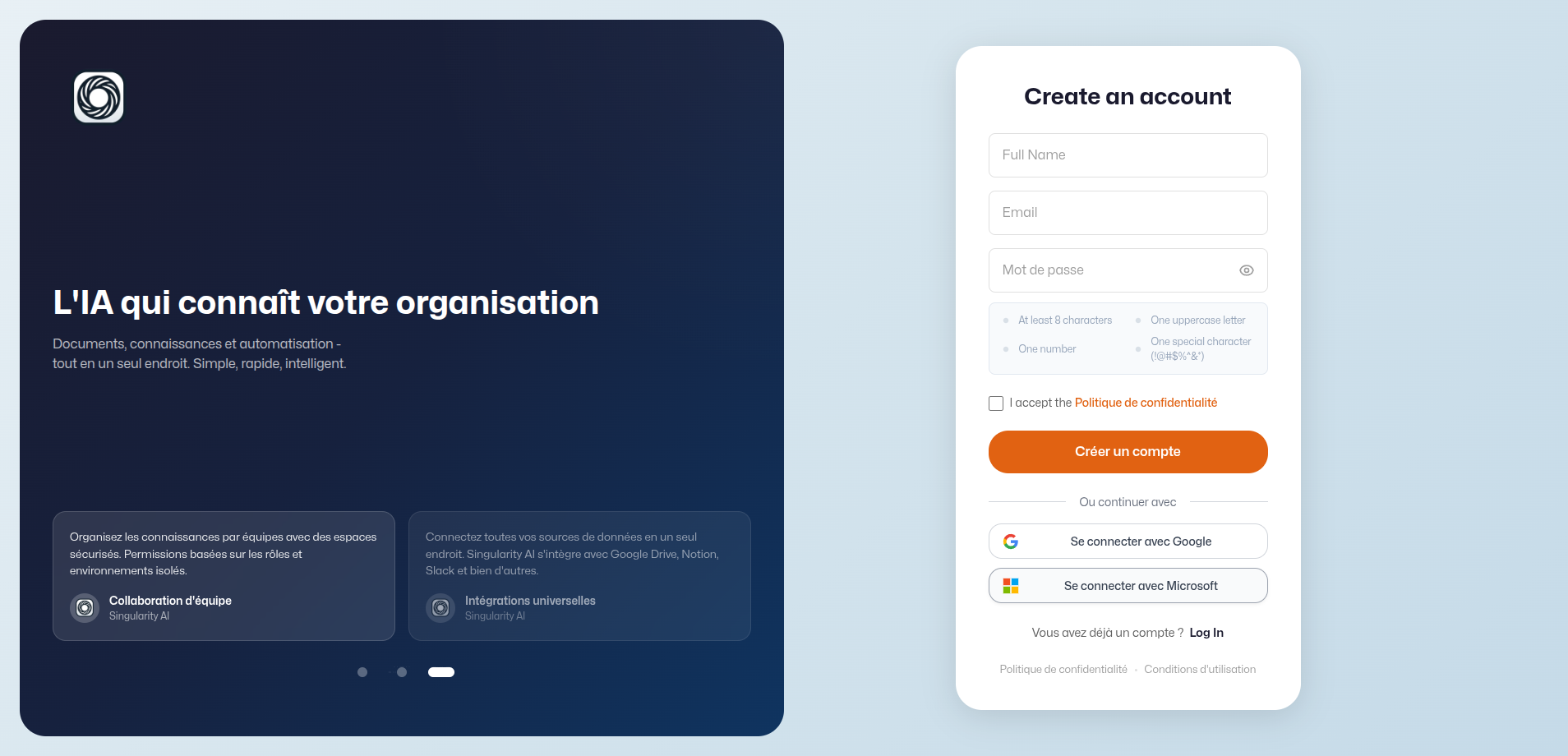
2
Fill In Your Details
Enter your full name, email address, and a password that meets the security requirements:
- At least 8 characters
- At least one uppercase letter
- At least one number
- At least one special character (e.g.,
!@#$%^&*)
3
Verify Your Email
After signing up, you’ll receive a verification email. Click the link in the email to verify your account.Until verified, a banner appears at the top of the app reminding you to check your inbox.
Sign Up with SSO
Click the Google or Microsoft button on the sign-in page. You’ll be redirected to your identity provider to authenticate, then returned to Mnemetic.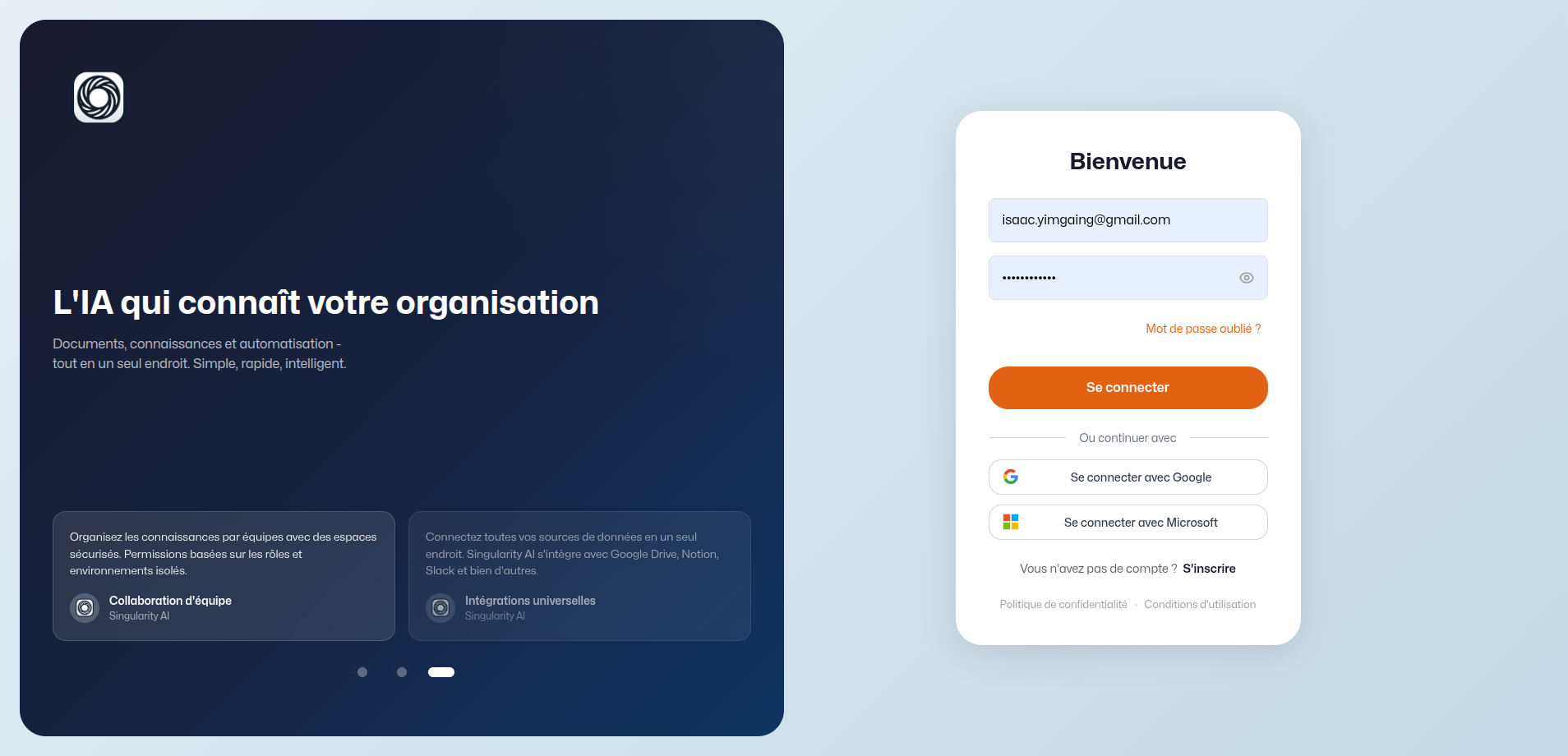
Enterprise SSO
If your organization uses Azure AD, Okta, Google Workspace, or a custom SAML provider, your admin will configure this in the SSO settings. Once configured, you’ll see a dedicated SSO button on the sign-in page.Password Recovery
Forgot your password? Click “Forgot Password?” on the sign-in page:- Enter your email address
- Check your inbox for a reset link
- Click the link and set a new password
Invitation-Based Signup
If an admin invites you via email:- Click the invitation link in the email
- Your email is pre-filled and linked to the organization
- Complete the sign-up form with your name and password
- You’re automatically added to the organization