

Available on: All plans | Role: All users | Status: Generally Available
Overview
The AI Workspace is the heart of Mnemetic. It’s where you have AI-powered conversations connected to your organization’s documents and data sources. Everything in the AI Workspace is organized around teamspaces — dedicated chat environments for your team. Each teamspace can be connected to data sources, configured with AI models, and assigned specific members.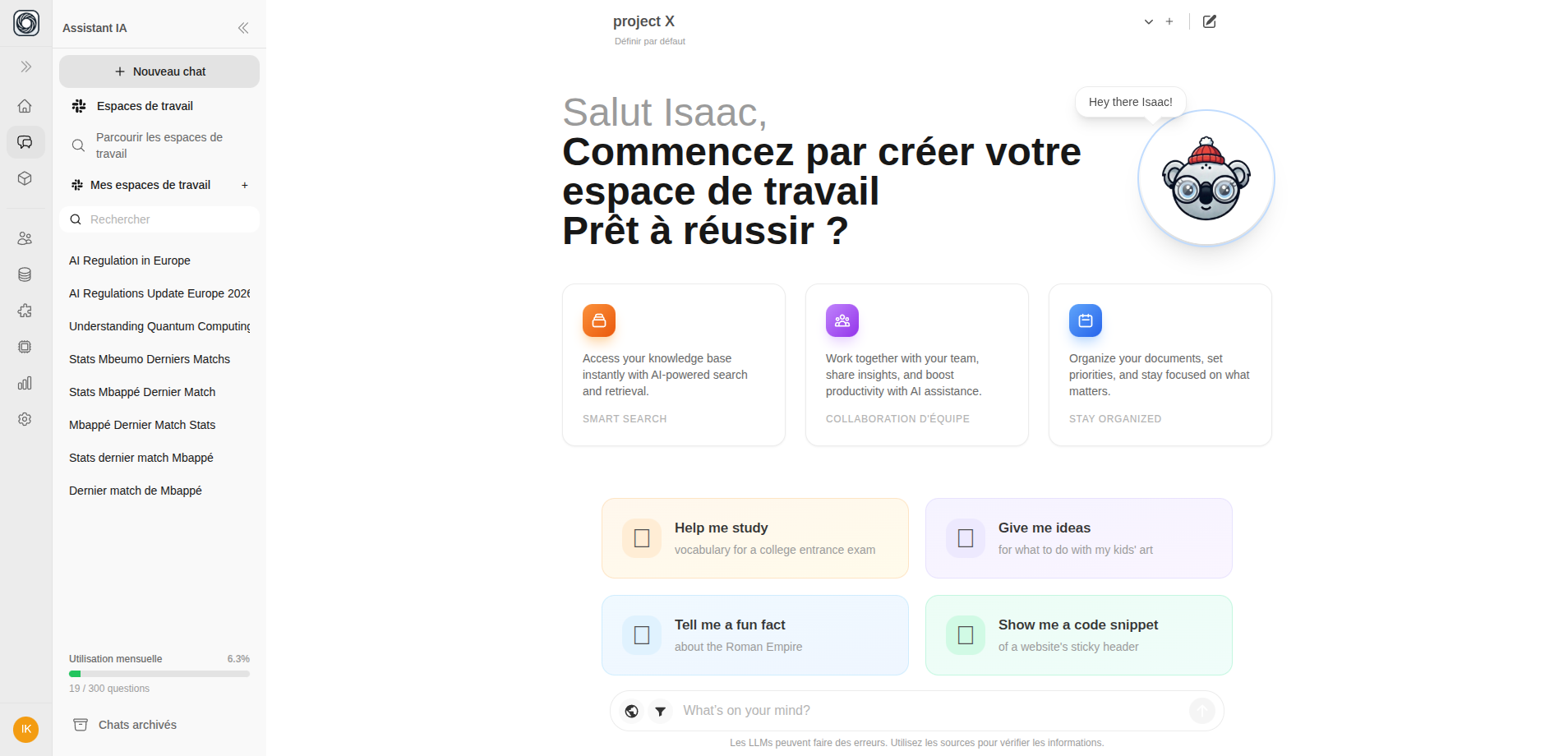
What You Can Do
Chat with AI
Ask questions, get answers with document citations, and use web search
Manage Teamspaces
Create dedicated workspaces with their own data connections and AI models
Upload Documents
Add files to enrich your AI with organizational knowledge
Share & Tag Chats
Share conversations and organize them with tags
Web Search
Augment AI responses with real-time internet data
Briefing Panel
Get contextual domain insights alongside your conversations
Key Concepts
How It Works
- Select a teamspace from the sidebar to set the AI context
- Type your question in the message input
- The AI searches your teamspace’s documents using RAG (Retrieval-Augmented Generation)
- Receive an answer with citations linking back to source materials
- Follow up with additional questions — the AI maintains conversation context
Connected to the Other Pillars
AI Workspace connects directly to the other two pillars:Use AI Boxes in Chat
Type
@ to invoke any installed AI Box mid-conversation — results appear inlineEnhanced by Knowledge Brains
Knowledge Brains learn from your conversations and make AI responses smarter over time