

Available on: All plans | Role: All users | Status: Generally Available
Overview
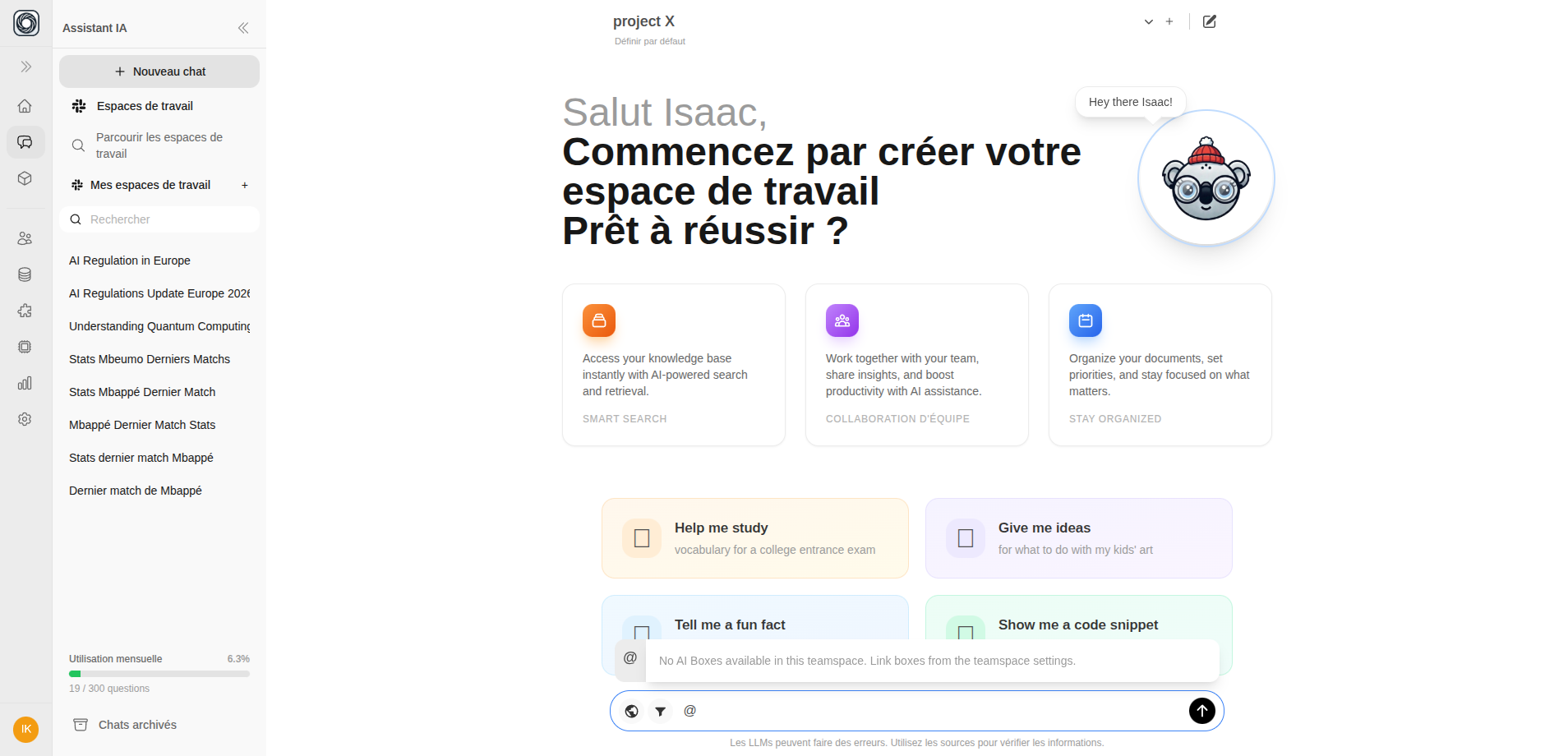
You can trigger AI Boxes directly from the chat interface using@ mentions. This lets you run automated workflows without leaving your conversation.
How to Use @Box Mentions
1
Type @
In the message input, type
@ to open the Box selector dropdown.2
Choose a Box
Browse the list of available Boxes, filtered by those you can trigger. Each entry shows:
- Box name and icon
- Category
- Credit cost per run
3
Select a Run
Choose between:
- New full run — Execute a fresh run
- Past run — Reference results from a previous completed run (no additional credit cost)
4
Send Your Message
The selected Box appears as a blue pill above the message input. Type your message and send — the Box runs and results appear in the conversation.
Requirements
- A teamspace must be selected — you’ll see an error if none is selected
- The Box must have
can_trigger: true(configured and active) - You need sufficient credits for new runs
Referencing Past Runs
When you select a past run instead of starting a new one:- No additional credits are consumed
- The existing results are included in the conversation
- Up to 5 recent completed runs are shown