

Available on: All plans | Role: Admin+ access the management page; Users manage their apps via AI Box setup | Status: Generally Available
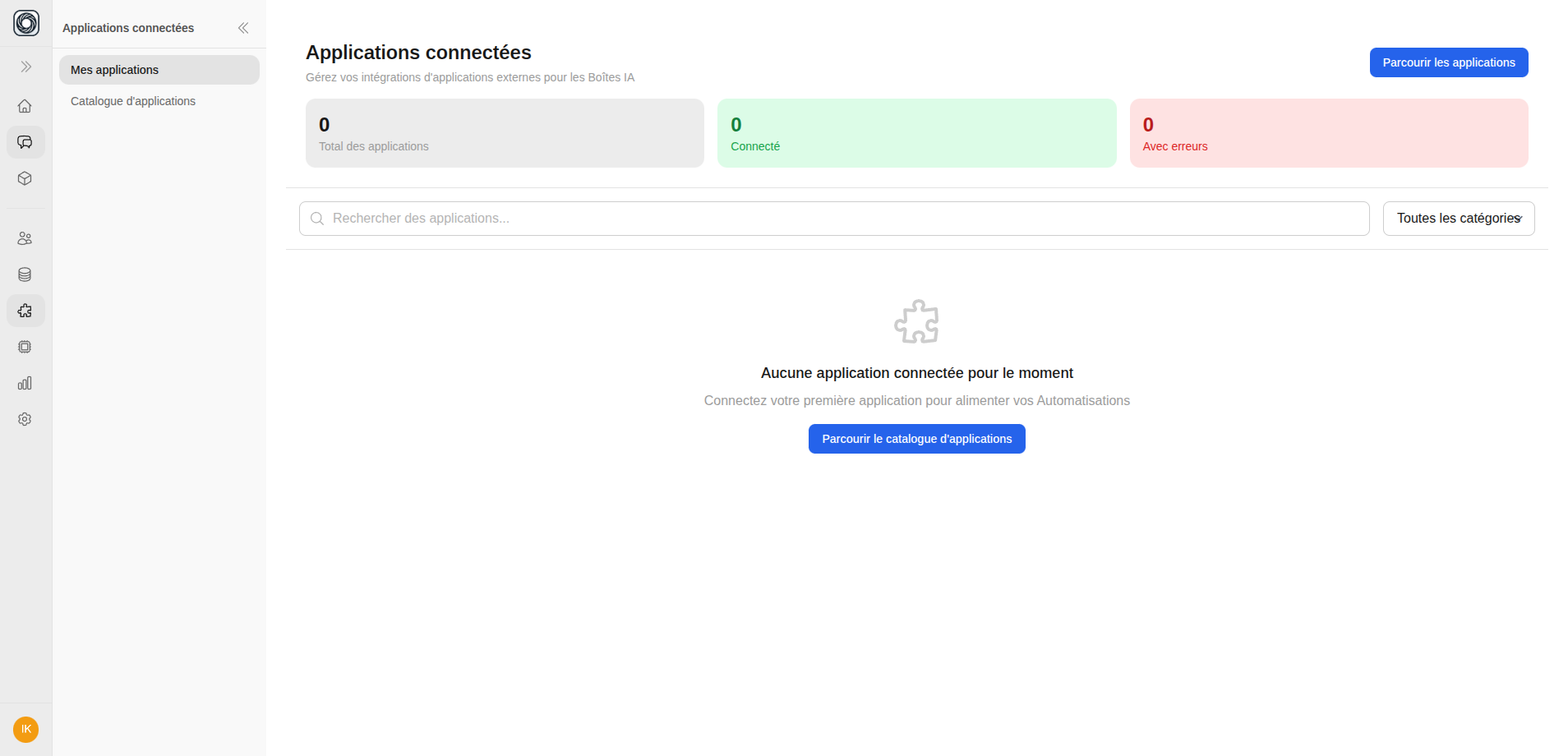
Your Connected Apps
Navigate to Workspace > Connected Apps to see all your connected applications. Each app card shows:- App name and icon
- Connection status (Active, Error, Expired)
- Authentication method used
- When it was connected
Testing a Connection
Click Test Connection on any app card to verify it’s still working. This sends a test request to the external service and reports back.Disconnecting an App
1
Click Disconnect
On the app card, click the Disconnect button.
2
Review Impact
If the app is used by any AI Boxes, you’ll see a warning listing the affected boxes. Disconnecting will prevent those boxes from accessing the app.
3
Confirm
Click Confirm Disconnect to remove the connection. Your credentials are deleted from Mnemetic.