

Time to complete: ~5 minutes | Requirements: Email address or SSO account
Step 1: Create Your Account
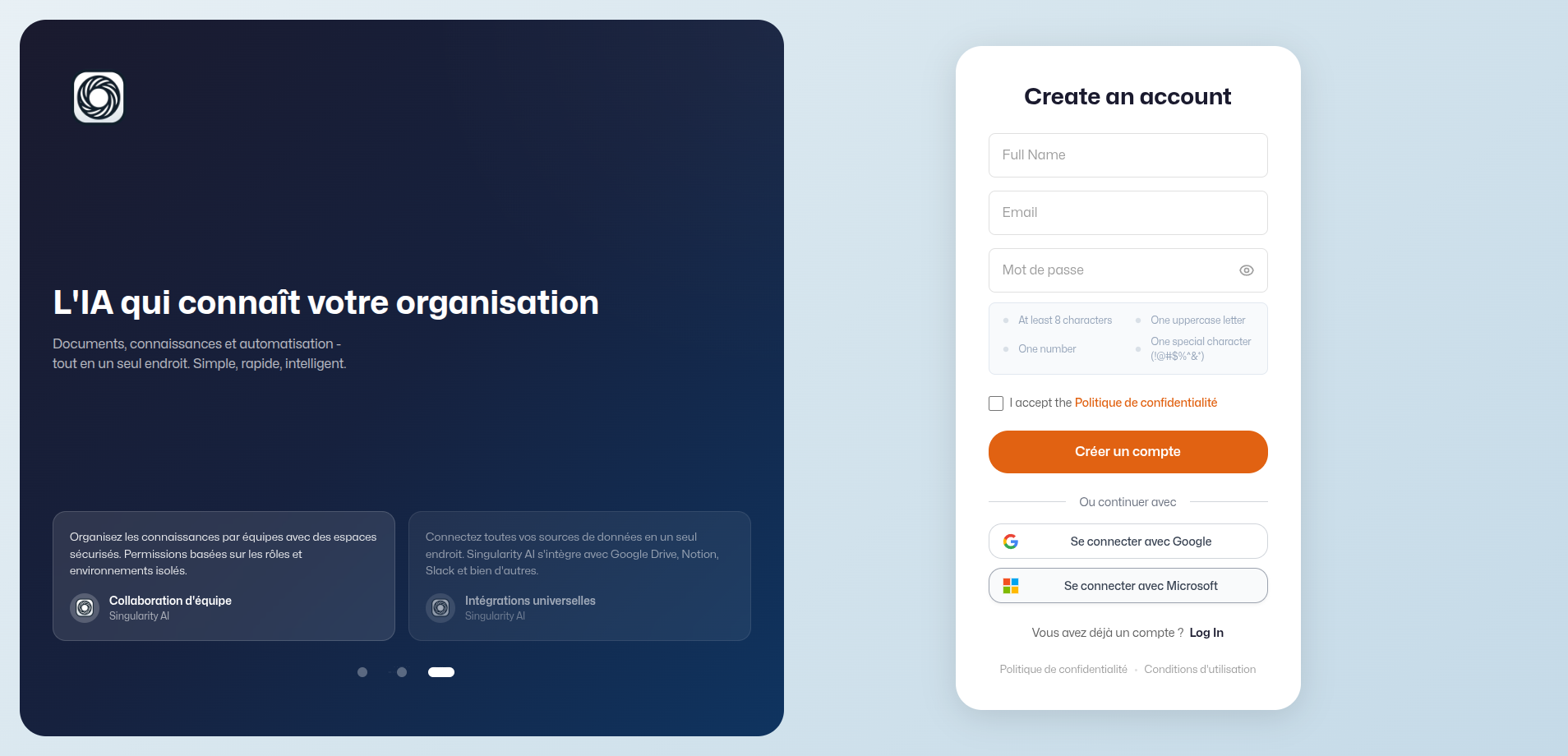
Go to aidesk.mnemetic.ai/auth and choose your sign-up method:- Email & Password — Available on all plans
- Google SSO — One-click sign-in, available on all plans
- Microsoft SSO — Available on Professional and Enterprise plans
Step 2: Complete Onboarding
After signing up, the onboarding wizard walks you through:- Choose your role — Select the job title that best describes you
- Connect a data source — Optional: link documents or external data
- Create your workspace — Name your first teamspace
Step 3: Ask Your First Question
Once onboarding is complete, you land in the AI Workspace. Start chatting immediately:- Select a teamspace from the sidebar
- Type your question in the message input
- Press Enter to send
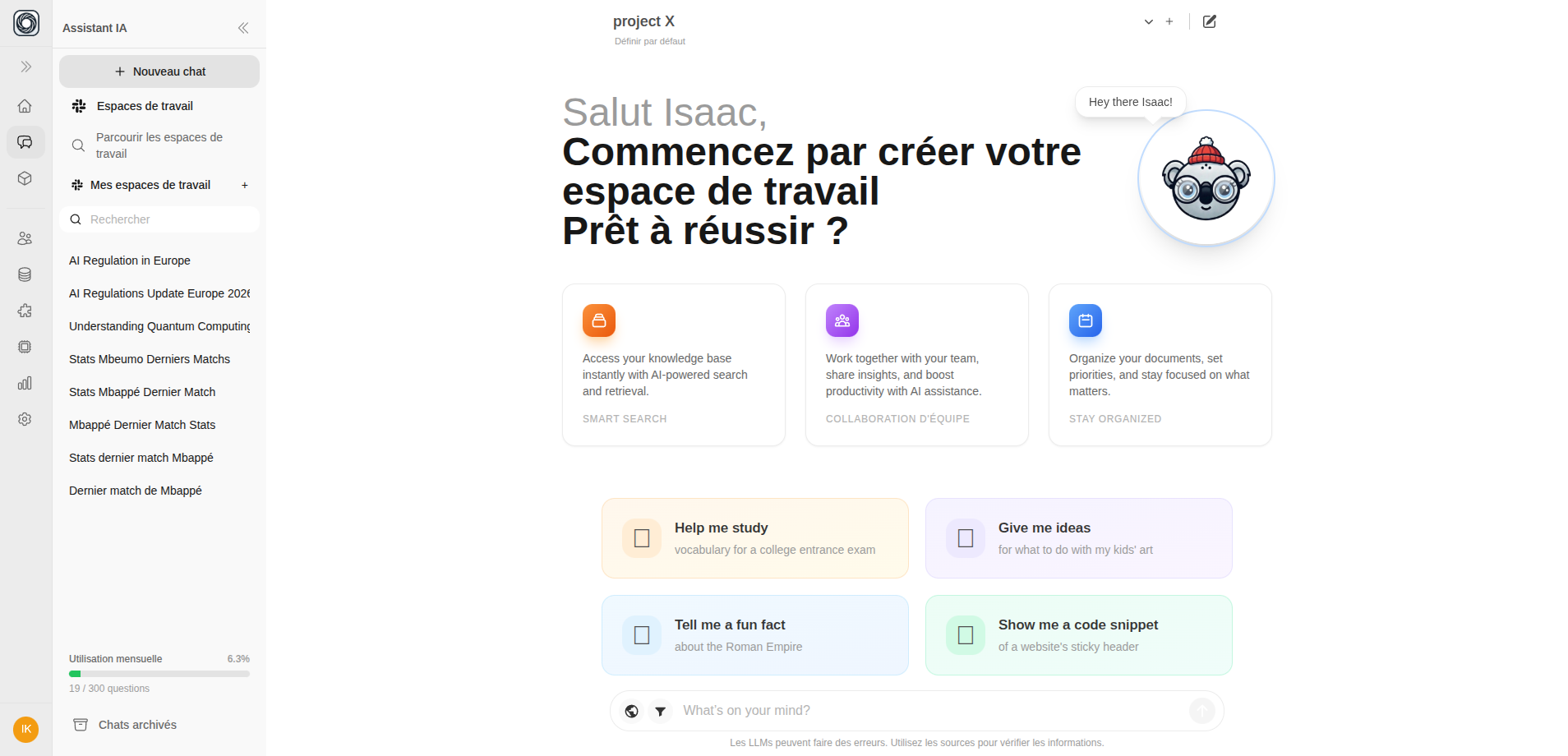 The AI responds using knowledge from your teamspace’s documents. You’ll see citations like
 [1], [2] linking back to source documents.
Step 4: Explore More Features
Connect Your Data
Create a data connection and link it to a teamspace to enrich your AI
Use Web Search
Toggle web search to get answers from the internet
Browse AI Boxes
Install automated AI workflows from the marketplace
Knowledge Brains
Discover how autonomous knowledge systems enhance your AI
Invite Your Team
Add colleagues to your organization (Admin required)
What’s Next?
Deepen your use of the three pillars:- Managing teamspaces — Organize your AI Workspace
- Browse the Box marketplace — Discover AI automations
- Knowledge Brains — Learn about autonomous knowledge
- Navigation overview — Learn the interface
- Personal settings — Configure your account