

Available on: All plans | Role: All users | Status: Generally Available
Overview
Web search lets you combine your organization’s document knowledge with real-time information from the internet. When enabled, the AI searches the web using Perplexity and includes internet sources alongside your document citations.How to Use Web Search
1
Enable Web Search
Click the globe icon (web search toggle) in the message input toolbar. It turns green when active.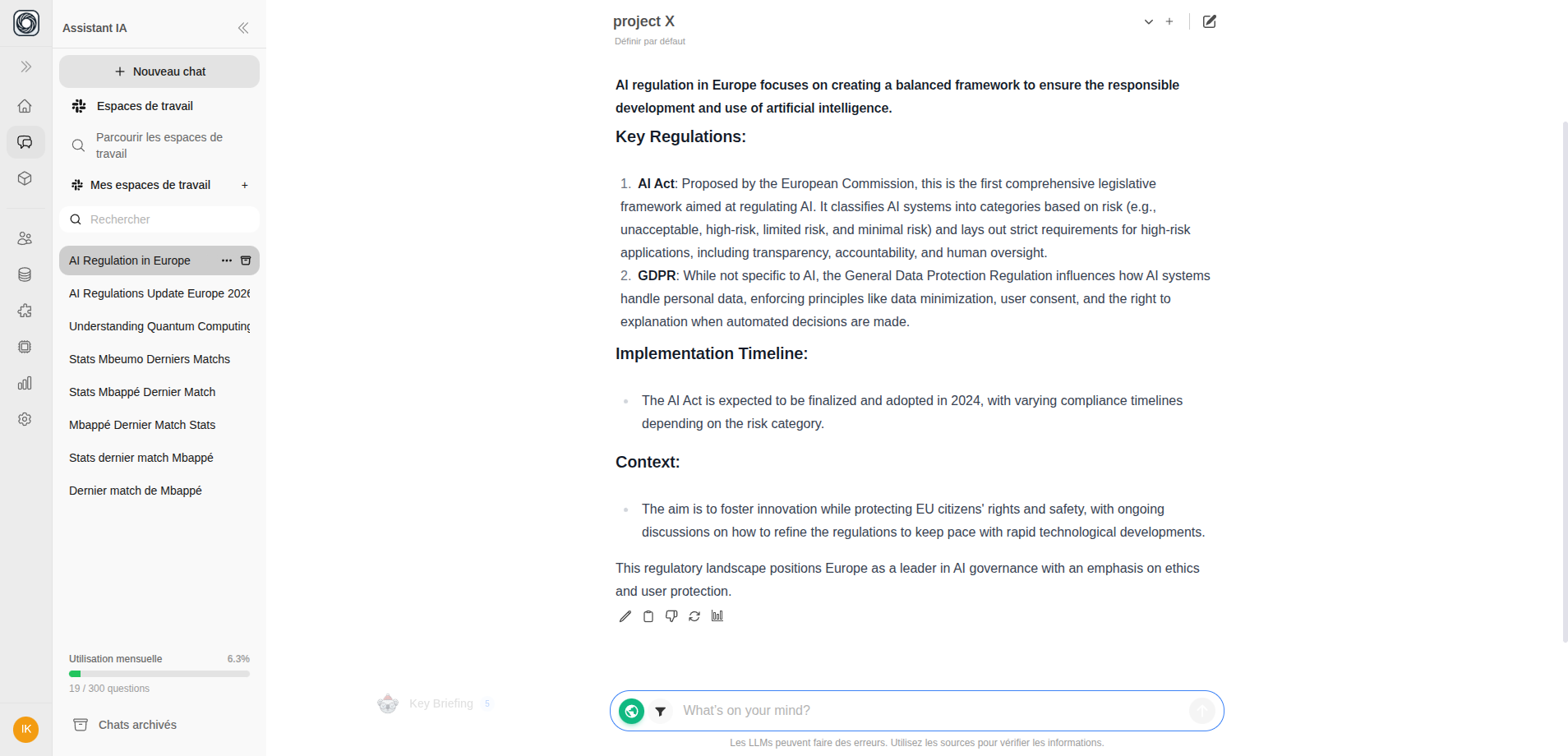
2
Ask Your Question
Type your question and send it as usual. The AI will search both your documents and the web.
3
Review Results
The response includes:
- Document citations (
[1],[2]) in blue — from your teamspace’s documents - Web citations (
[W1],[W2]) in green — from internet sources
Web Sources Panel
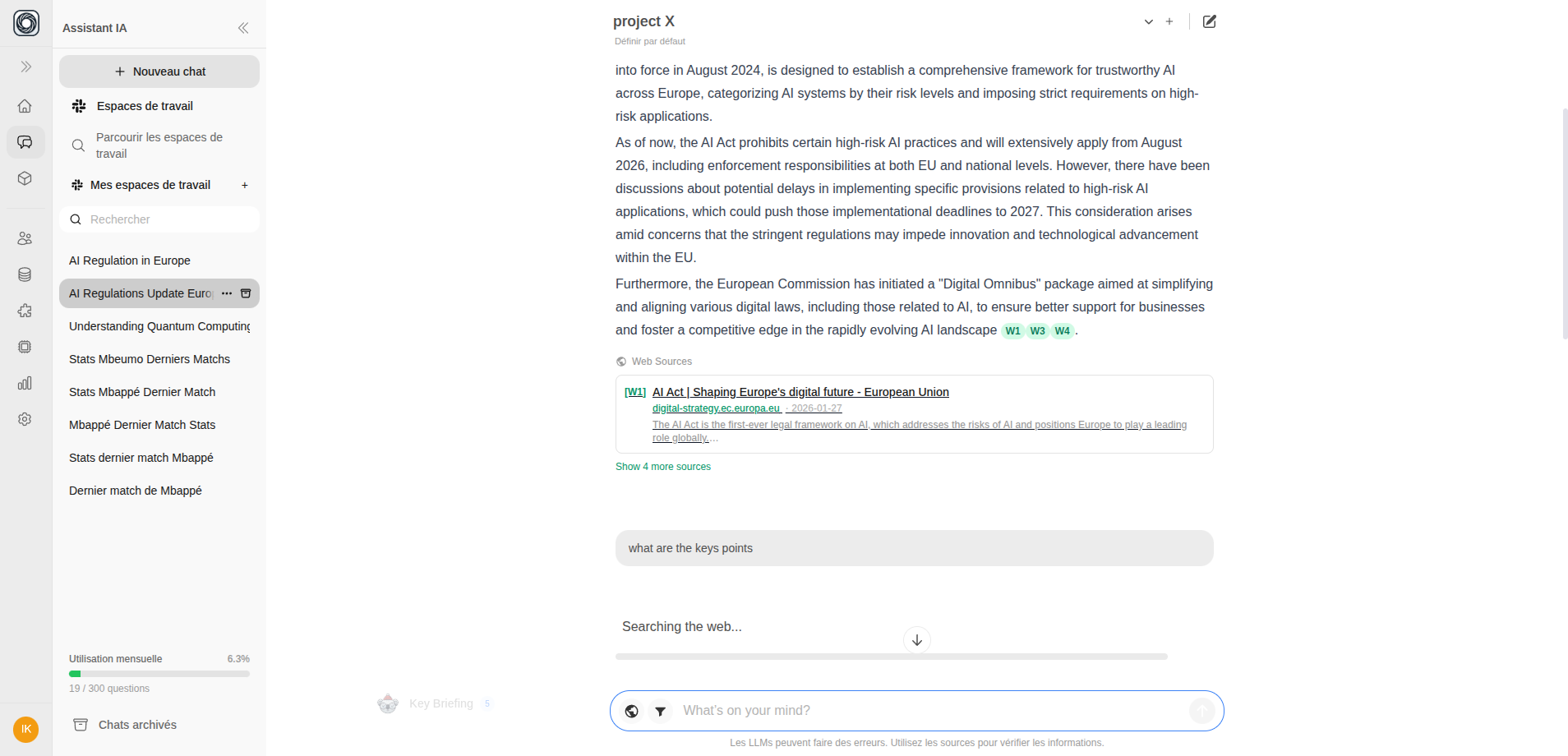
When web search is used, an expandable Web Sources panel appears below the AI response. Each source card shows:- Source title
- Website hostname
- Publication date
- Content snippet
How It Works
- Your message is sent with web search enabled
- The AI performs a web search via Perplexity
- During streaming, you’ll see progress messages like “Searching the web…”
- Web results are integrated into the AI’s response alongside document knowledge
- Citations are added so you can verify every claim
Tips
- Web search is per-message — toggle it on for specific questions, off for others
- You can combine web search with RAG filters to blend internet data with specific documents
- Web search responses may take slightly longer due to the additional search step