

Available on: All plans | Role: Admin+ access the catalog directly; Users connect apps via AI Box setup | Status: Generally Available
OAuth Connection Flow
Most apps use OAuth for secure authentication. Here’s the process:1
Click Connect
From the App Catalog, click Connect with [App Name] on the app card.
2
Authorize Access
A popup window opens with the app’s authorization page. Sign in to your account and grant the requested permissions.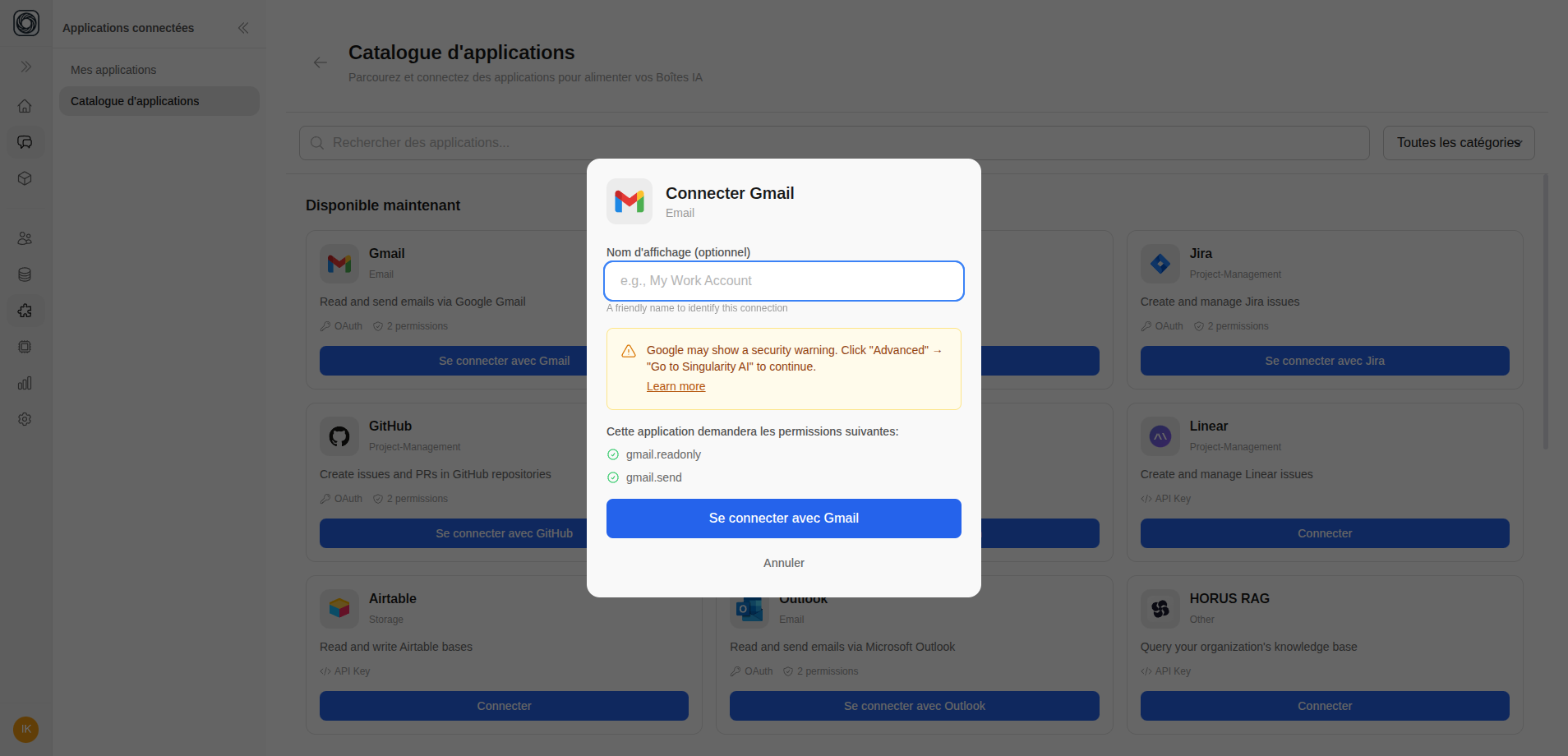
3
Confirm Connection
After authorization, the popup closes and the app appears in your My Apps list with an “Active” status.
API Key Connection
Some apps require an API key instead of OAuth:- Click Connect on the app
- Enter your API key in the modal
- Click Verify and Connect
- The app tests the connection and confirms it’s working
Credentials Connection
For apps requiring username and password:- Click Connect on the app
- Enter your username and password
- Click Connect
- The app verifies and connects