

Available on: All plans | Role: Owner views dashboard, all users see limits | Status: Generally Available
Overview
Mnemetic uses a credit system for AI operations beyond your plan’s included queries. Credits are consumed by AI Box runs, advanced AI operations, and usage beyond your monthly query allocation.How Credits Work
- Each plan includes a monthly credit allocation
- Credits are consumed by AI Box runs, advanced AI queries, and other operations
- Credits reset at the start of each billing cycle
- All plans can purchase additional credits as an add-on
Credit Costs
Tracking Usage
For Organization Owners
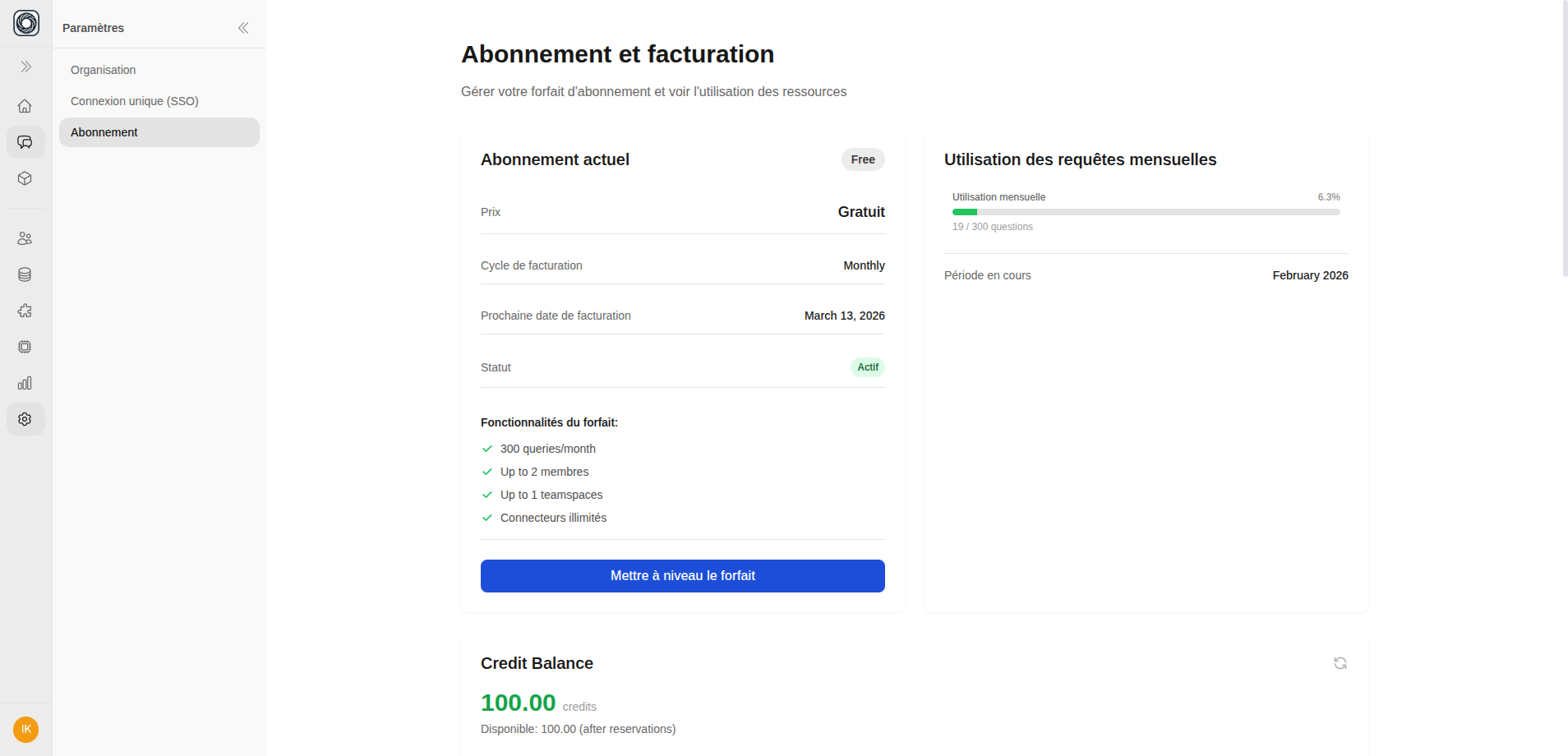
Navigate to Workspace > Settings > Subscription to see:- Monthly query usage — Progress bar showing queries used vs. plan limit
- Credit balance — Current credits remaining
- Organization resources — Member count, teamspace count, connector count vs. limits
For All Users
When you approach or exceed your query limit, you’ll see:- A usage indicator showing remaining queries
- An upgrade modal when limits are reached
Purchasing Additional Credits
- Go to Workspace > Settings > Subscription > Add-ons
- Select a credit pack
- Complete the purchase through Stripe
- Credits are added immediately to your balance